
Yay! Thank you so much for your purchase of Company’s Coming! You (and everyone you’re giving this to this holiday season) are going to LOVE IT!
If you haven’t already received your digital downloads, check your inbox shortly – they’ll be there soon and you’ll be ready to instantly start putting together some great Christmas gifts for all the ladies on your list!
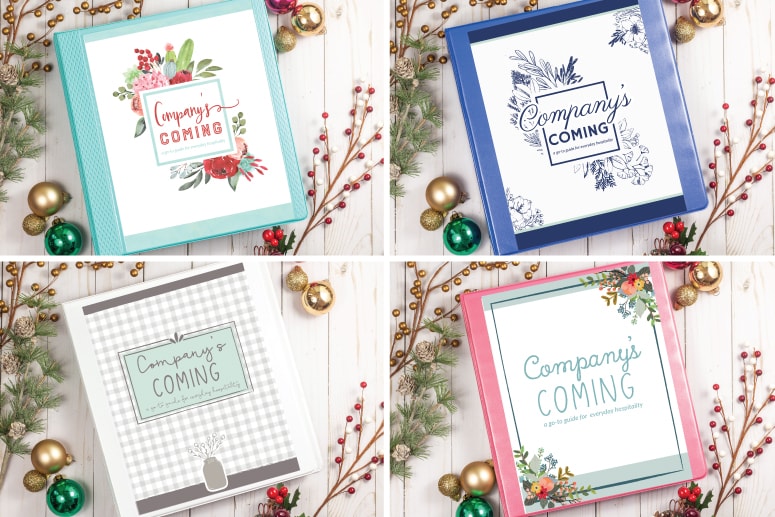
Let me quickly walk you through how to assemble your Company’s Coming binders. You only need a few basic household office supplies to make this into a gorgeous Christmas gift!
This page contains affiliate links for your convenience. You can read my full disclosure policy here.
Step 1: Print out your Company’s Coming Design(s)
First, click on the link(s) from your purchase to print each version you want to use – for yourself and for your gifts. You can print at home on your own printer or print via a professional printer at an office supplies store. If you print them off at home, consider using white cardstock instead of regular printer paper just for durability.
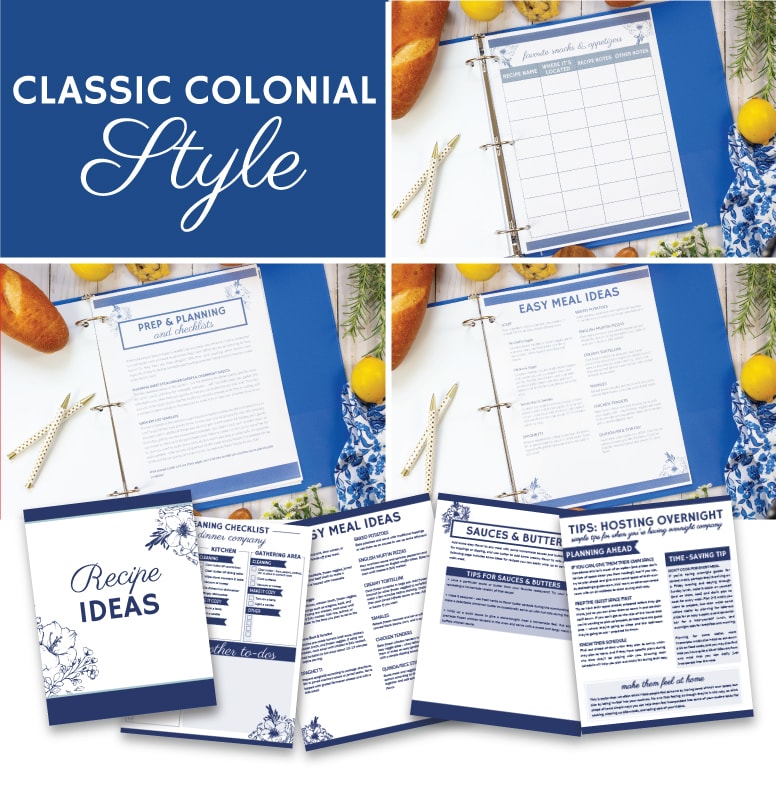
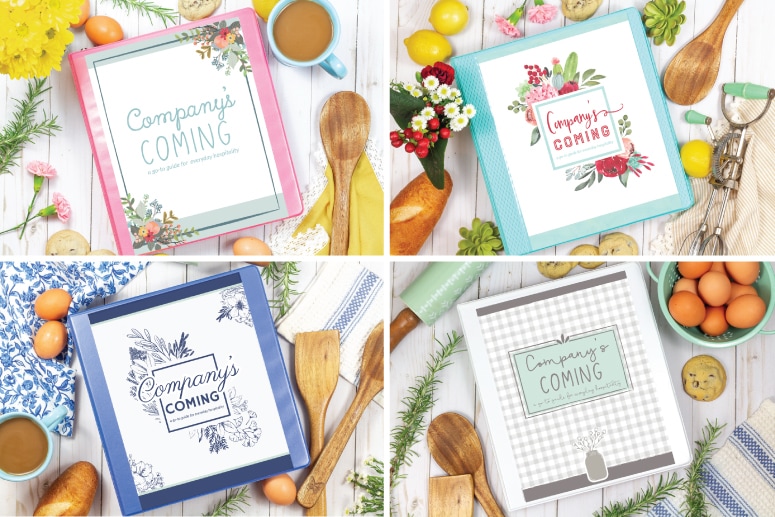
Here are the four design options you have:
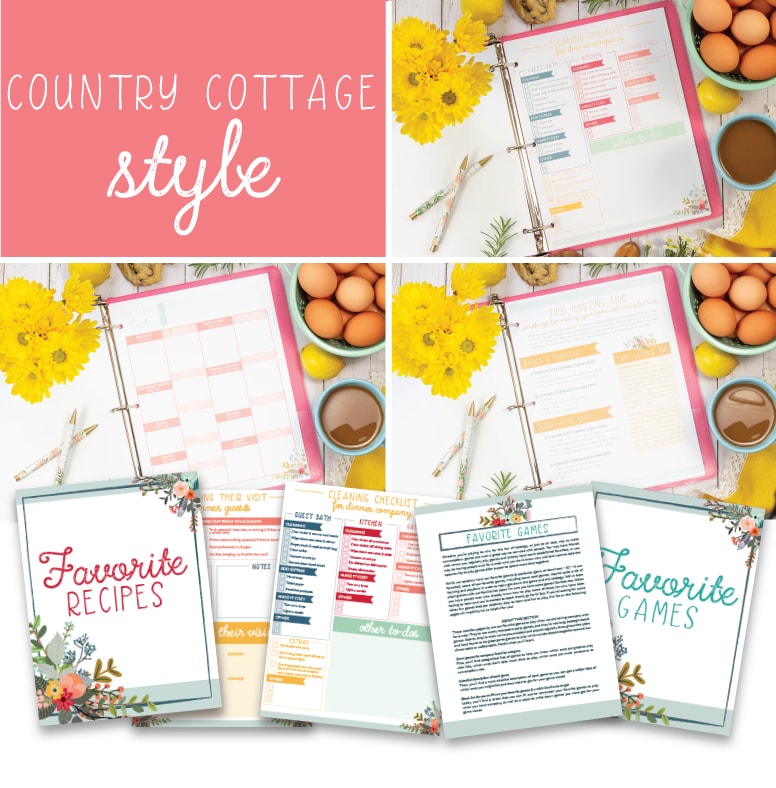
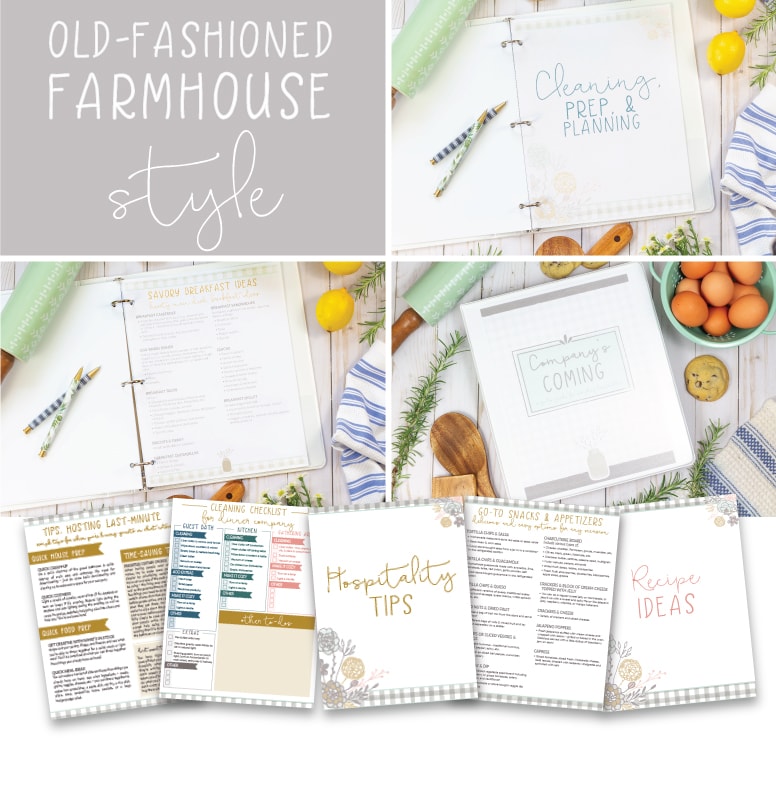
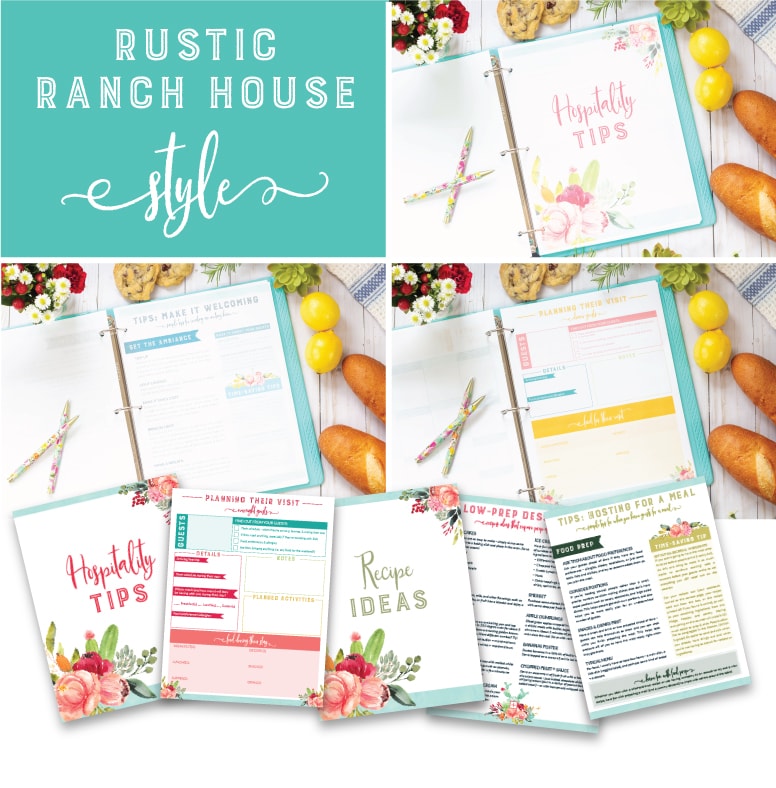
Step 2: Put in sheet protector sleeves or hole punch
You can either choose to put each page into a page protector sleeve (one that has hole punched sides so you can easily insert those pages into a binder) or hole punch each page with a 3-way hole puncher. Either way works just fine!

Step 3: Insert Pages into Binder
Get your 3-ring binders (I got mine at our local grocery store, but if you’d rather shop online, here are some on Amazon) – make sure you get ones with the clear plastic sleeve on the front so you can put in your cover insert! Insert your pages into the binder.
Step 4: Print Tabs & Spine Labels
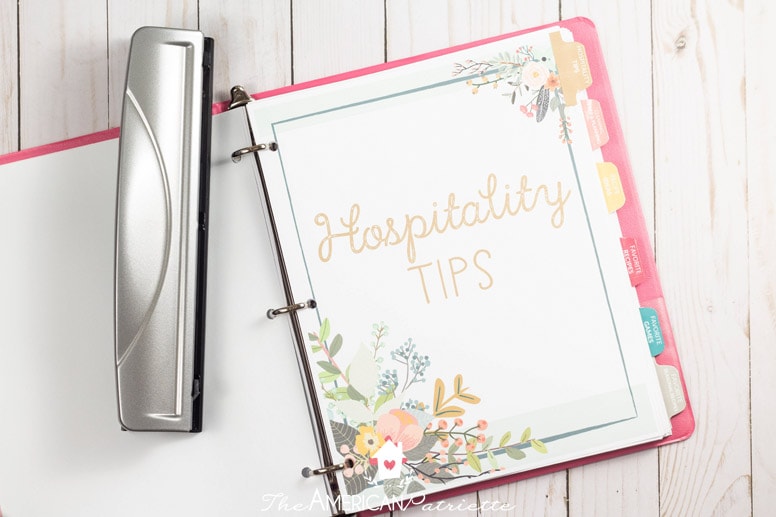
Use your download link you received upon your purchase to print the spine labels and tabs. You can tell which page goes to which Company’s Coming design by the spine label – they’ve got matching images to their corresponding design option. There are two spine labels – one for 1-inch binders and one for 1.5-inch binders. Use whichever one you need for the size binder you get.

Step 5: Cut spine labels & tabs with paper cutter

Use a paper cutter (if you don’t have one of these, you need one – I can’t even tell you how much this $10 tool has saved me in time!) to cut out the spine label and the tabs like this:


Step 6: Cover front of tabs in packing tape & trim
The tabs are designed to fit perfectly on a piece of packing tape. This somewhat “laminates” them and helps make them more durable.

After you cover each one in packing tape, use a sharp scissors to trim around the remaining white part and then fold the tabs in half.

Step 7: Insert spine label & tape labels to corresponding binder pages

The tabs all correspond to the header pages of each section. You’ll need to play around a little with placement down the right side of the pages so that you line up all the tabs evenly, but once you get it, it won’t take long to attach them.

You can use double-sided tape or roller adhesive to do this part.

Step 8: Time to wrap them!
You’re all done with the binder! Now it’s time to wrap ’em all up and give them as gifts!
Step 9: Print Christmas labels
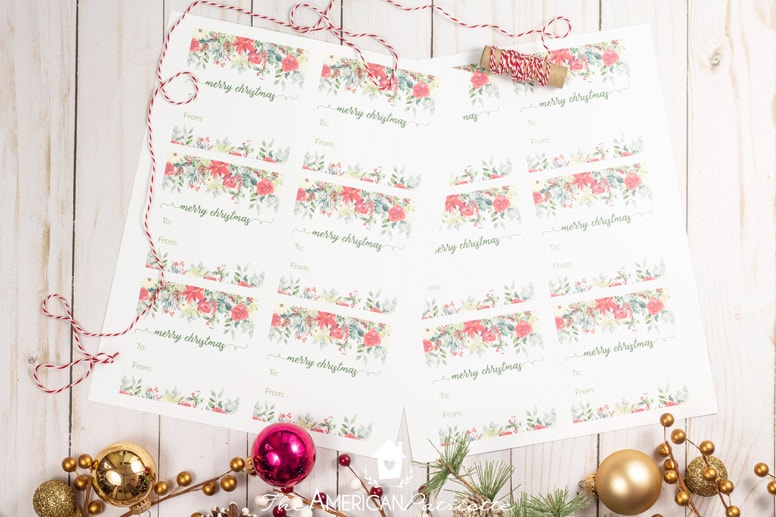
Print these out using the download link you received when you purchased your bundle.
Step 10: Trim labels using paper trimmer
There are faint gray lines on the labels to make it easy to trim these tags. Print and cut as many labels as you want!

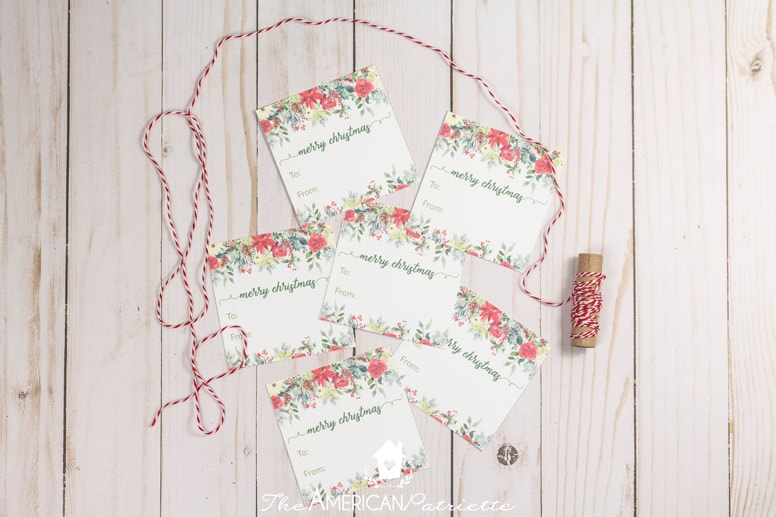
Attach these after you wrap them to give a special touch to each gift.
Step 11: Give them away!
I hope everyone who you gift with one of these Company’s Coming binders is so blessed by it! Such a wonderful Christmas gift for anyone who loves to have people over!
Merry Christmas!